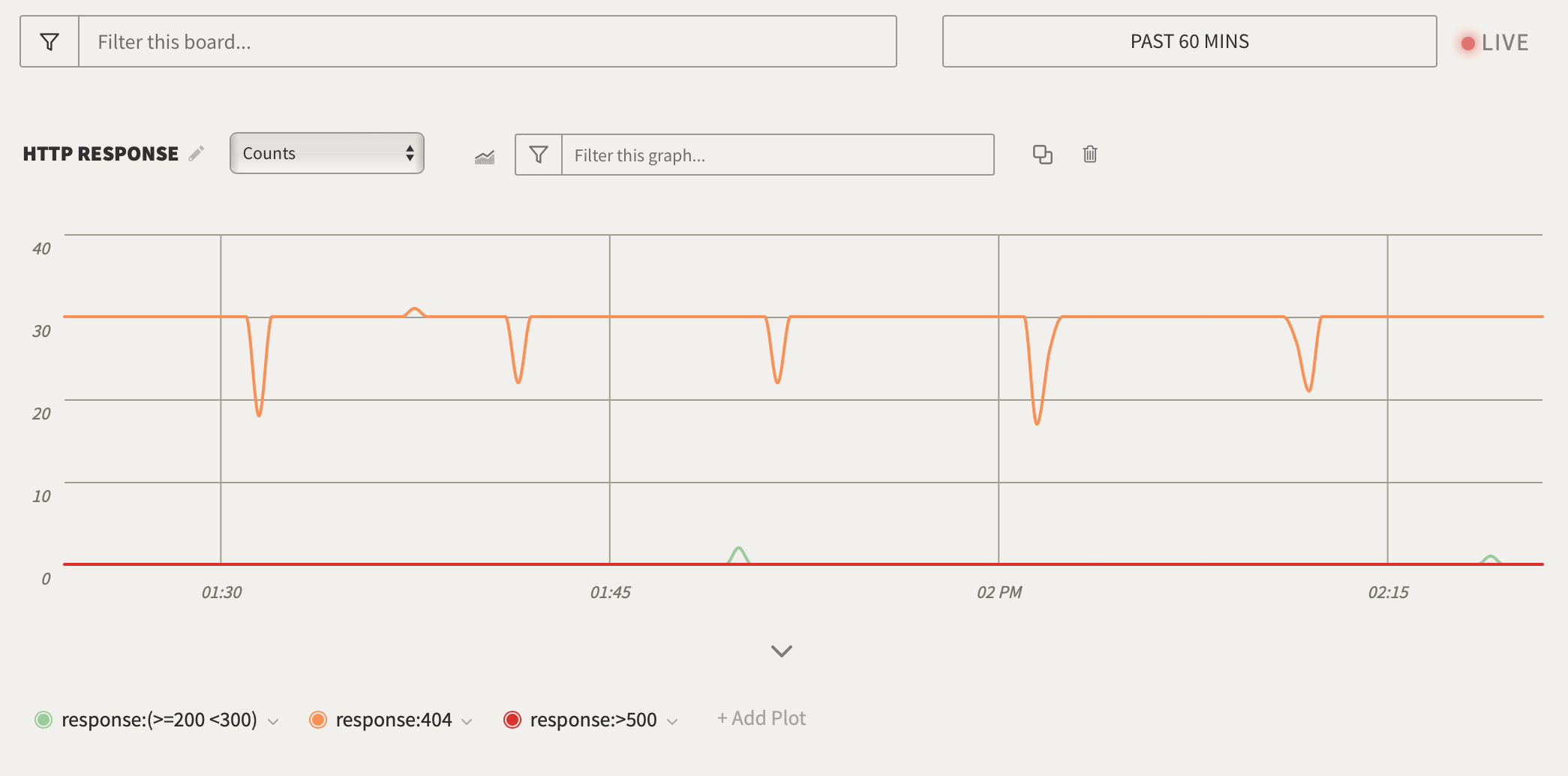
- Go to the graph created in Create a Graph.
- Click Add Plot in the lower-left corner of the graph**.**
- For System Fields, select All Lines.
- For Optional Plot Filter, enter
response:404to return all 404 codes. - Repeat steps 2 - 4 to add
response:>500. - Click the Save button to add the new plot to graph
- Change the line color by clicking on the colored icon beside the plot value.