

Integrating with AppOptics
On the alerts creation page, select the AppOptics logo. To find an API token, in your AppOptics dashboard, go to Settings → API Tokens page to copy an existing or create a new API token with “Record Only” permission.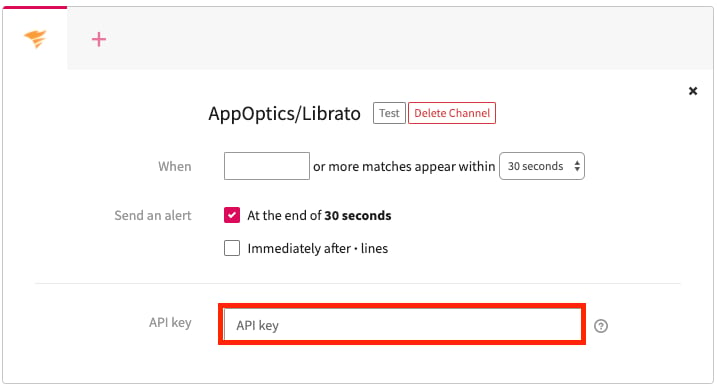
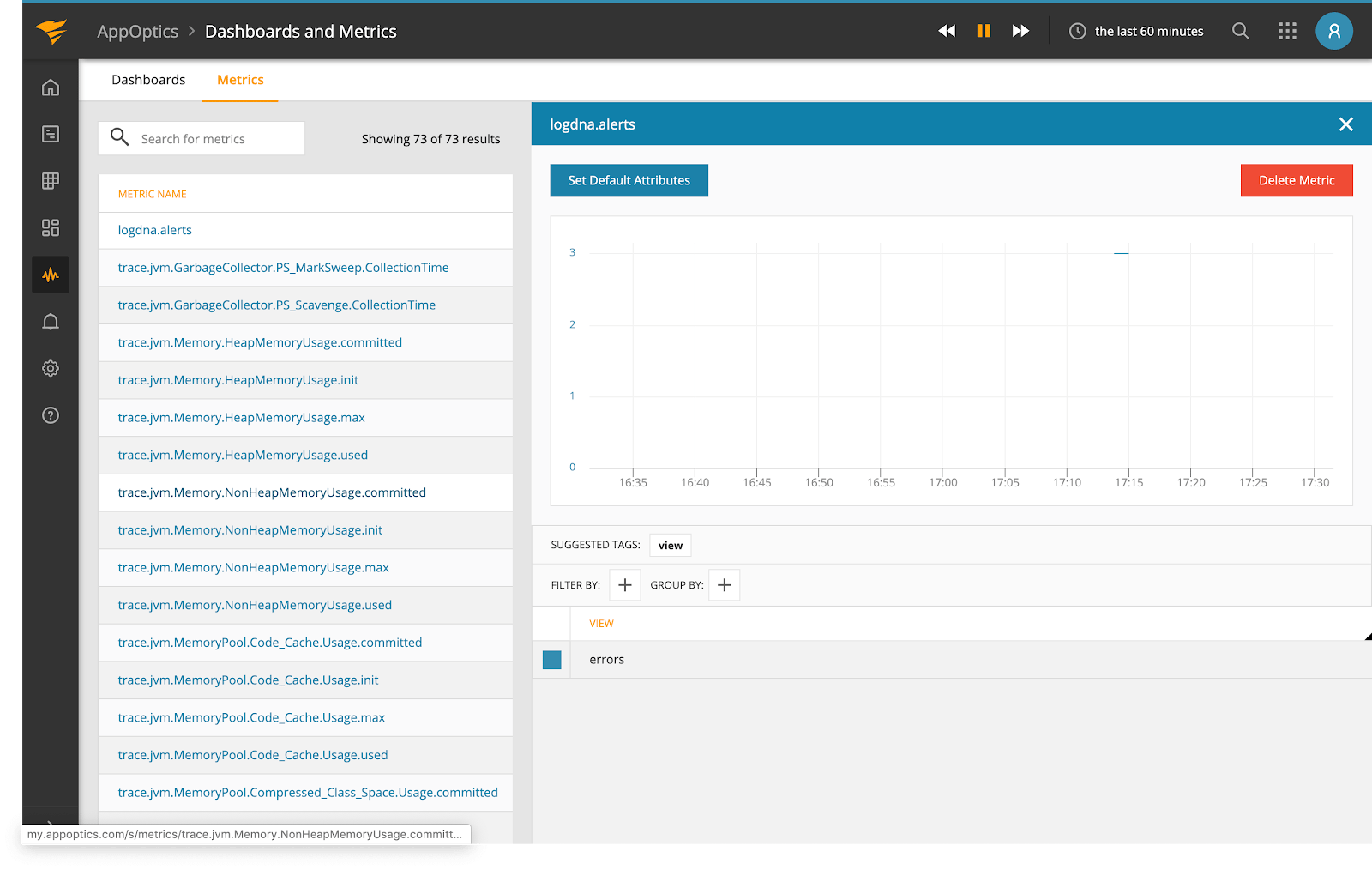
Connect Mezmo alerts to the AppOptics Measurement API using a Record Only API token so triggered alerts create measurements in AppOptics.