Create OpsGenie alerts from Mezmo log data by configuring test, presence, and absence alerts with an OpsGenie API integration key.
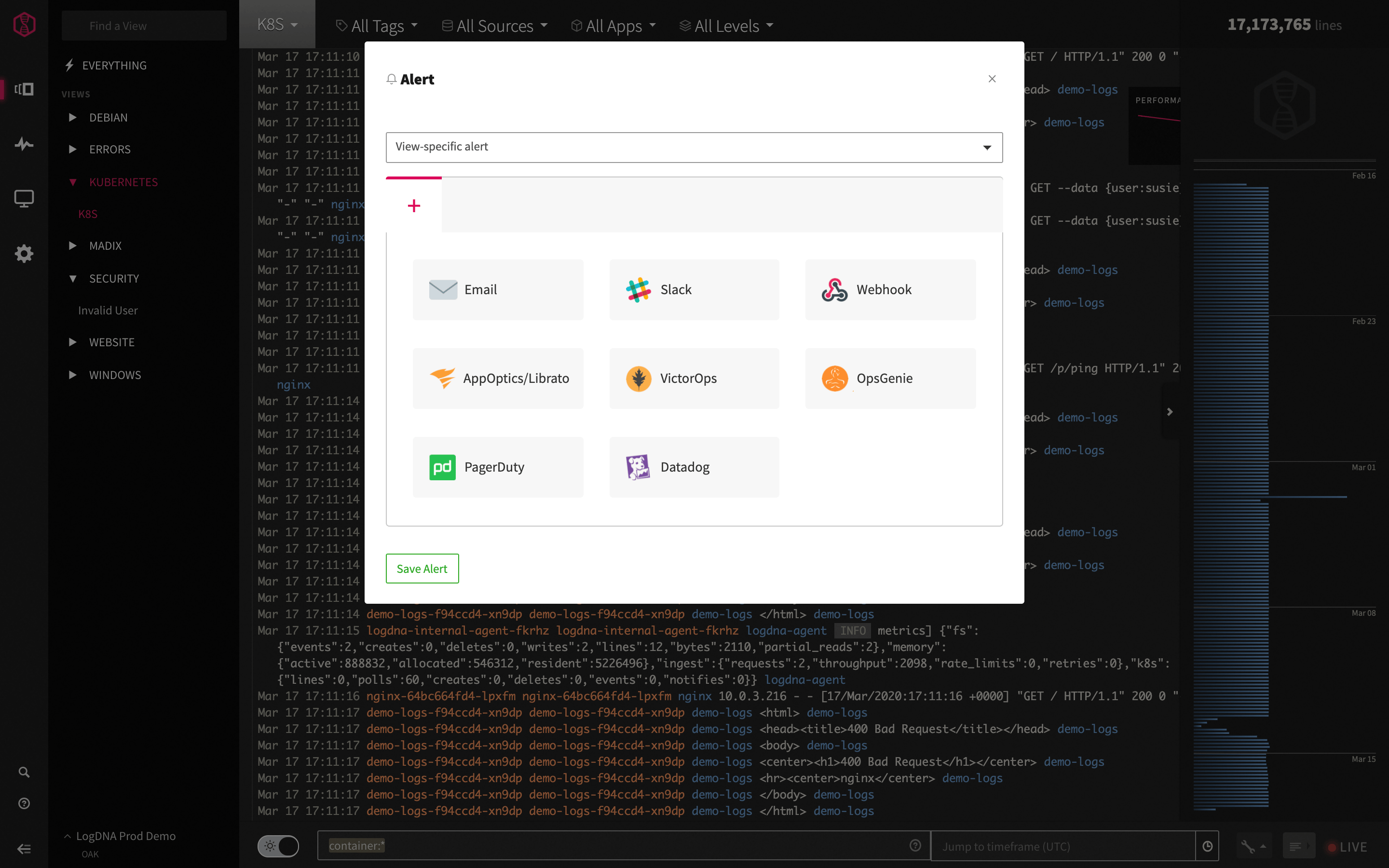
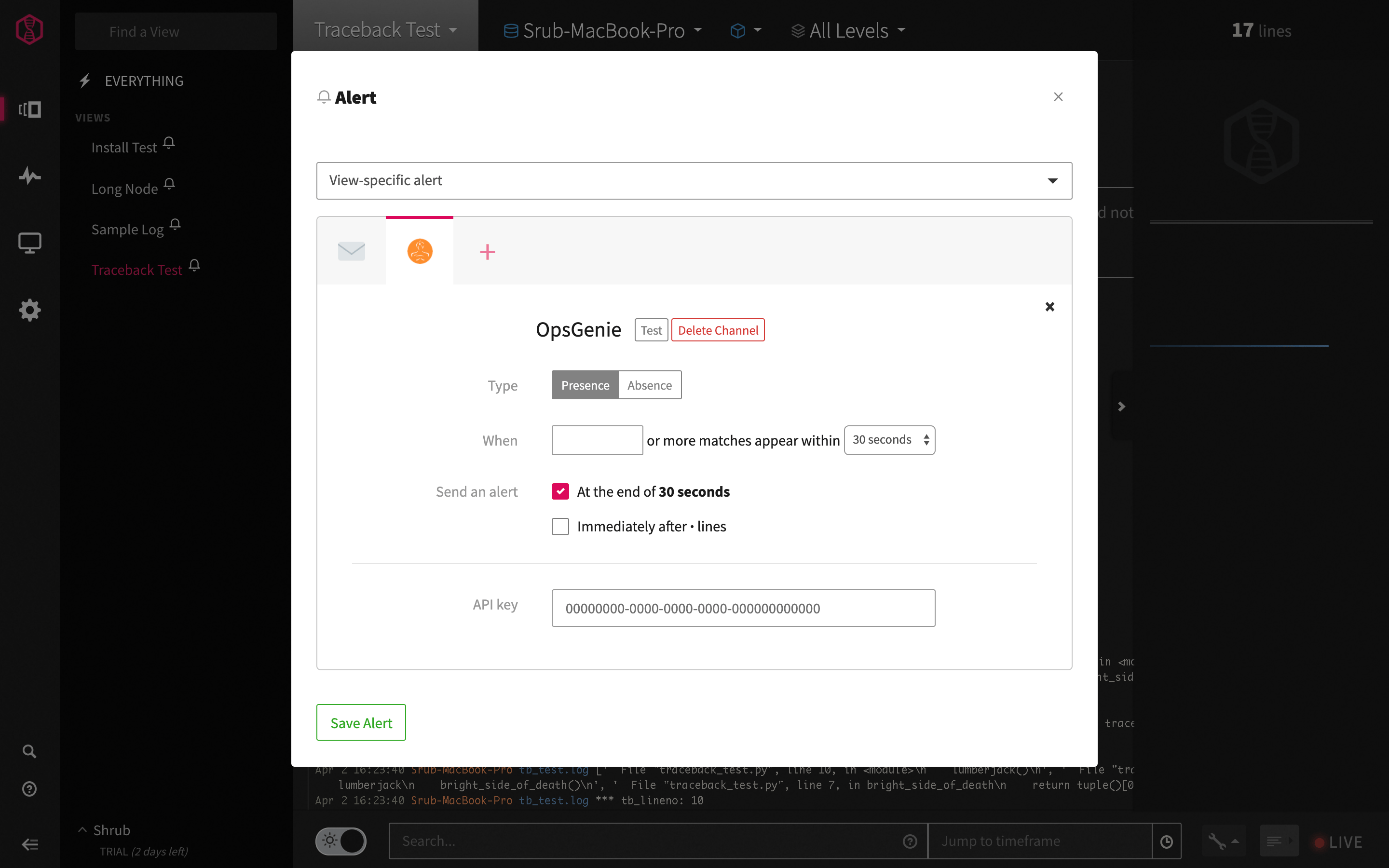
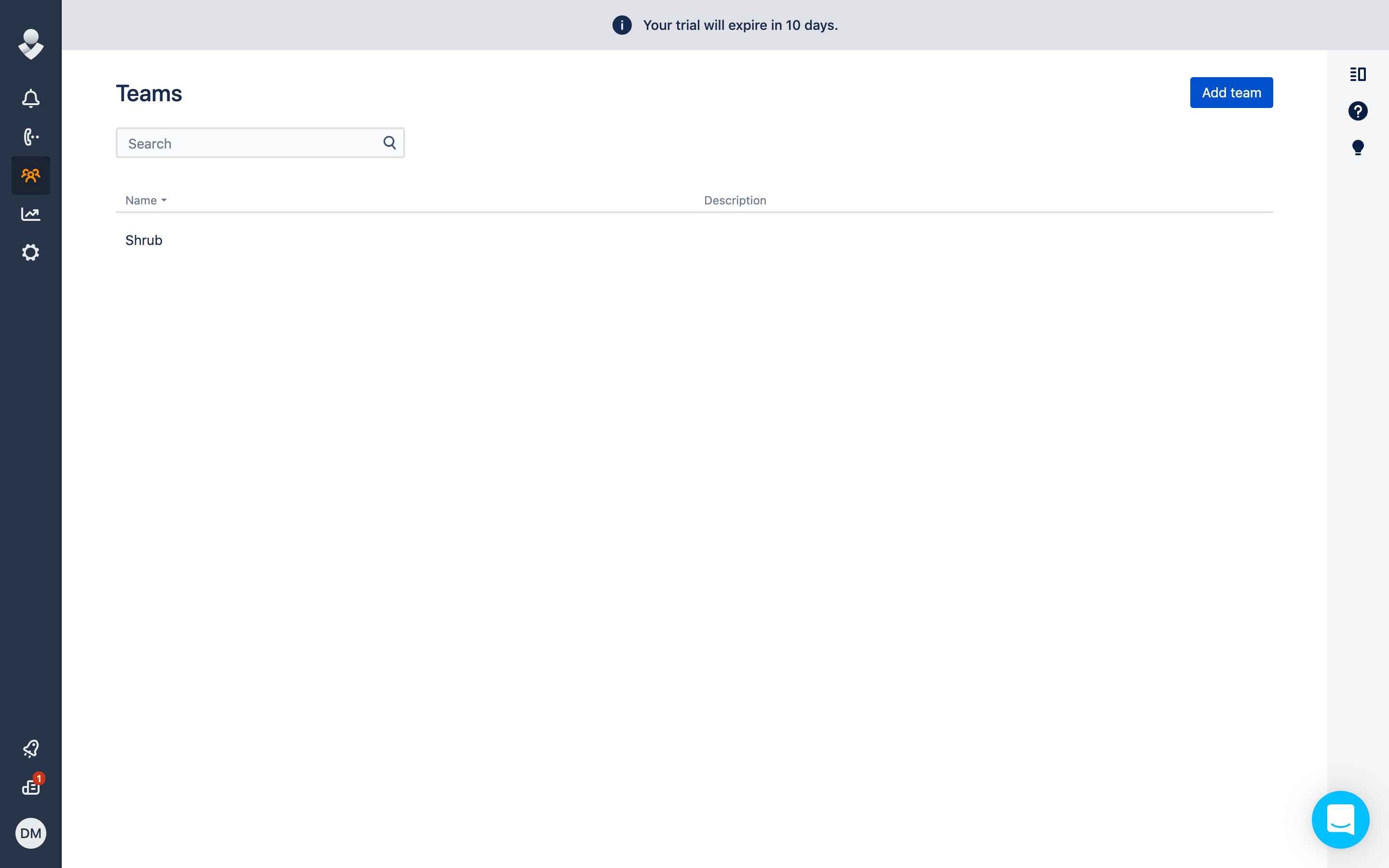
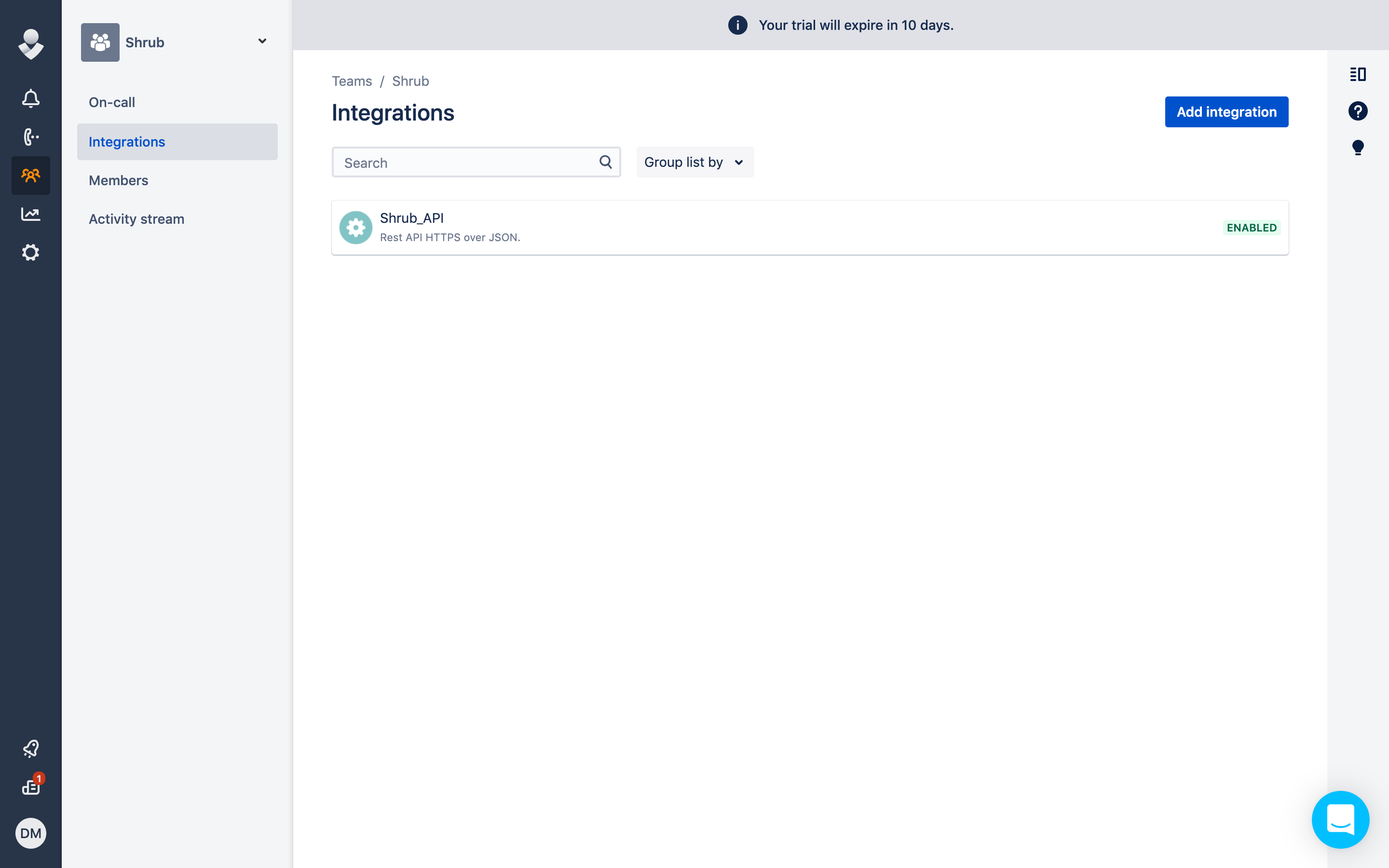
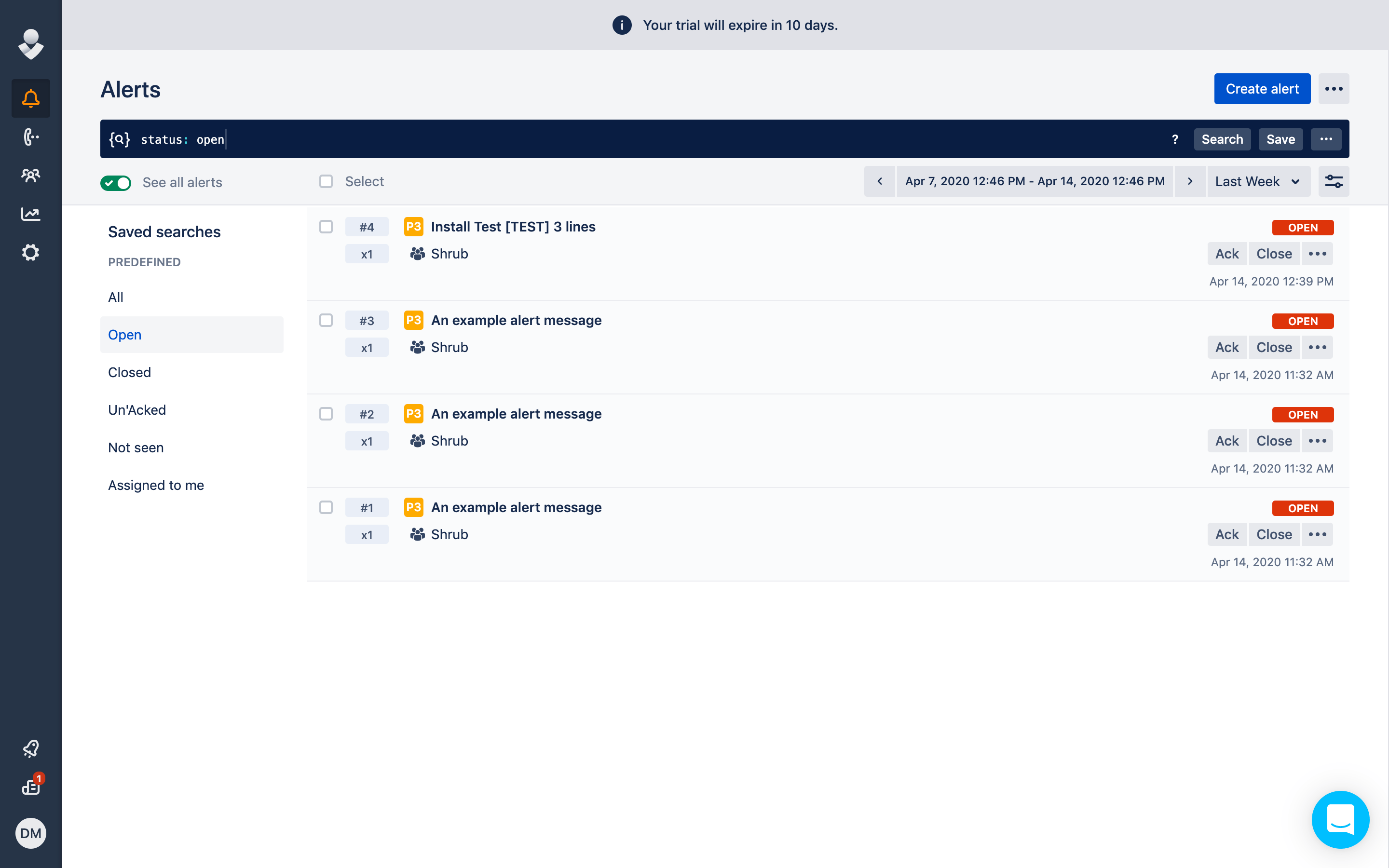
The OpsGenie alert integration interacts with the OpsGenie Alert API and enables users to create alerts in OpsGenie based off of log data in Mezmo.After clicking on OpsGenie- a window pops up with options for test, presence and absence alerts.Test alerts allow the user to test with a third party integration, presence alerts send alerts to the third party integration after a criteria is met (i.e. 5 or more matches within 30 seconds) and absence alerts send an alert when there are fewer log lines than anticipated.To retrieve the API key from OpsGenie- go to Teams > Integrations > Add Integration > API Integration. Input the API key into the API key section of the Mezmo OpsGenie alert integration (shown above).After saving the alert or hitting test from your Mezmo window- the alert will now appear in OpsGenie under Alerts! The first alert is an example Mezmo test alert integrated with OpsGenie.NOTE: The US OpsGenie endpoint is used by default. If using the EU OpsGenie endpoint is required please reach out to support@mezmo.com.