

Delete Your Integration
- Log in to the Mezmo Web App.
- Go to Settings > Integrations.
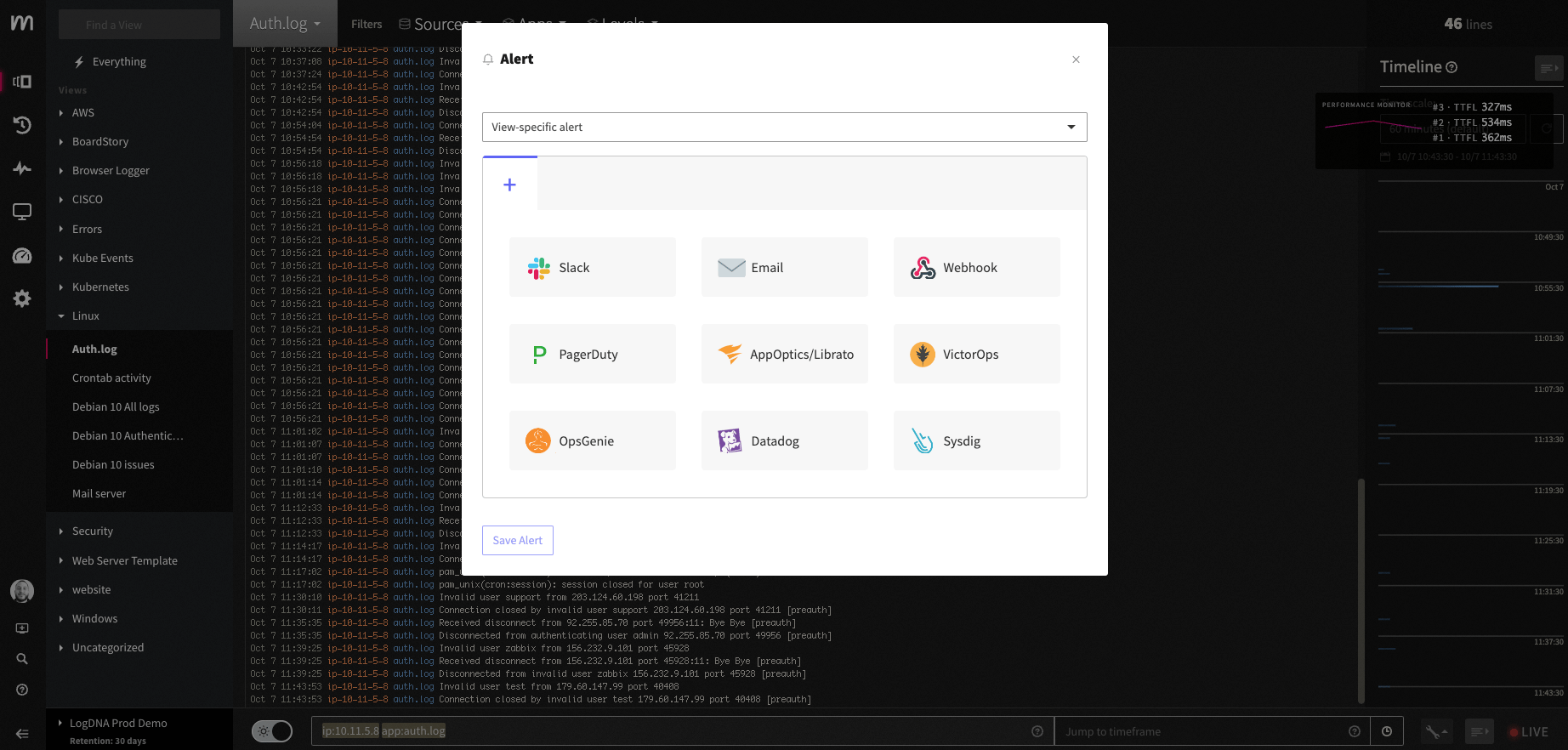
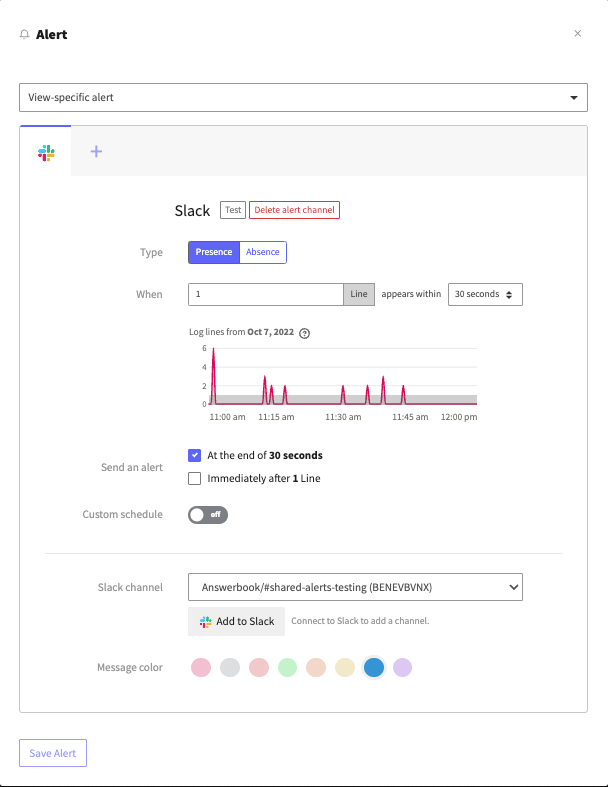
- Select your Slack integration to open its Settings page.
- Click the X next to the channel you want to delete.
- Click Yes, delete in the confirmation dialog to remove the channel.