

This feature is only available for customers on an Enterprise plan, and is restricted to Owner and Admin user roles. Please contact your Customer Support Manager or support@mezmo.com for more information.
Sign In Policy
- Local Sign-in - Use the credentials they’ve created in Mezmo.
- Google Sign-in - Log in with Google credentials.
- Other OAuth Sign-in - Log in with credentials from other providers like GitHub or Heroku.
- SAML Sign-in - Set a Security Access Markup Language (SAML) configuration for child organizations within the enterprise. See, Enterprise SAML SSO
- Idle Logout - Set a time to log out account holders after they’ve been inactive.
- Redirect after logout - Set a page to redirect account holders to after they’ve been logged out
Discoverability
Organization discoverability lets users find and join child organizations on the same domain. If you have a Mezmo Enterprise Organization account, you can enable SSO Discoverability for your child domains. Discoverability lets users logging in using SAML, see all child accounts present in the Enterprise Organization that have discoverability enabled. Discoverability is disabled by default. This means users cannot discover child accounts, regardless of the settings made within the child accounts. To enable SSO Discoverability, navigate to the Enterprise dashboard in the Mezmo web app, then toggle the Child organization discoverability setting to the On position. After enabling SSO Discoverability, you can enable discoverability settings within each child account, which will let you control how users can find and join your organization.- Discover - Members on the same domain can find and ask to join the organization. Discover is enabled by default.
- Join - Members on the same domain can join the organization without a request.
SAML Configuration
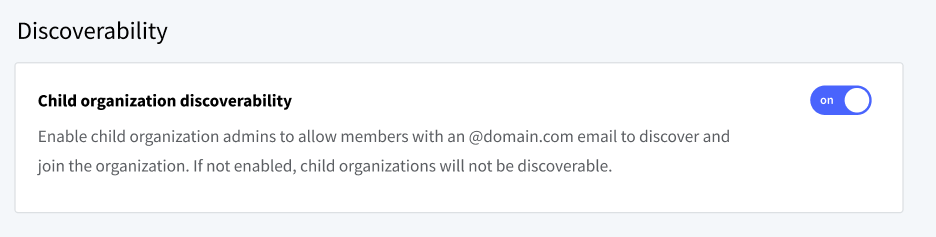
The control to enable child organization discoverability in the Enterprise dashboard