

The Scenario
The Demo Pipeline is designed to illustrate a typical scenario, where there are multiple pipeline sources, a Route Processor that filters data based on conditional criteria, and additional processors for the filtered data that prepares it for routing to one destination for analysis, and another for archival storage. The specific scenario is a typical processing of JSON and Financial data to identify errors related to credit card transactions, which also requires encryption of credit card data before it can be sent to an analytical tool. In this tutorial, you’ll see how to use the Route, Filter, and Encrypt Processors to accomplish this.Architecture Overview
To explore the Demo Pipeline in the Mezmo Web App:- Log in to the Mezmo Web App.
- Click Pipelines.
- Under Cloud, select Demo Pipeline.
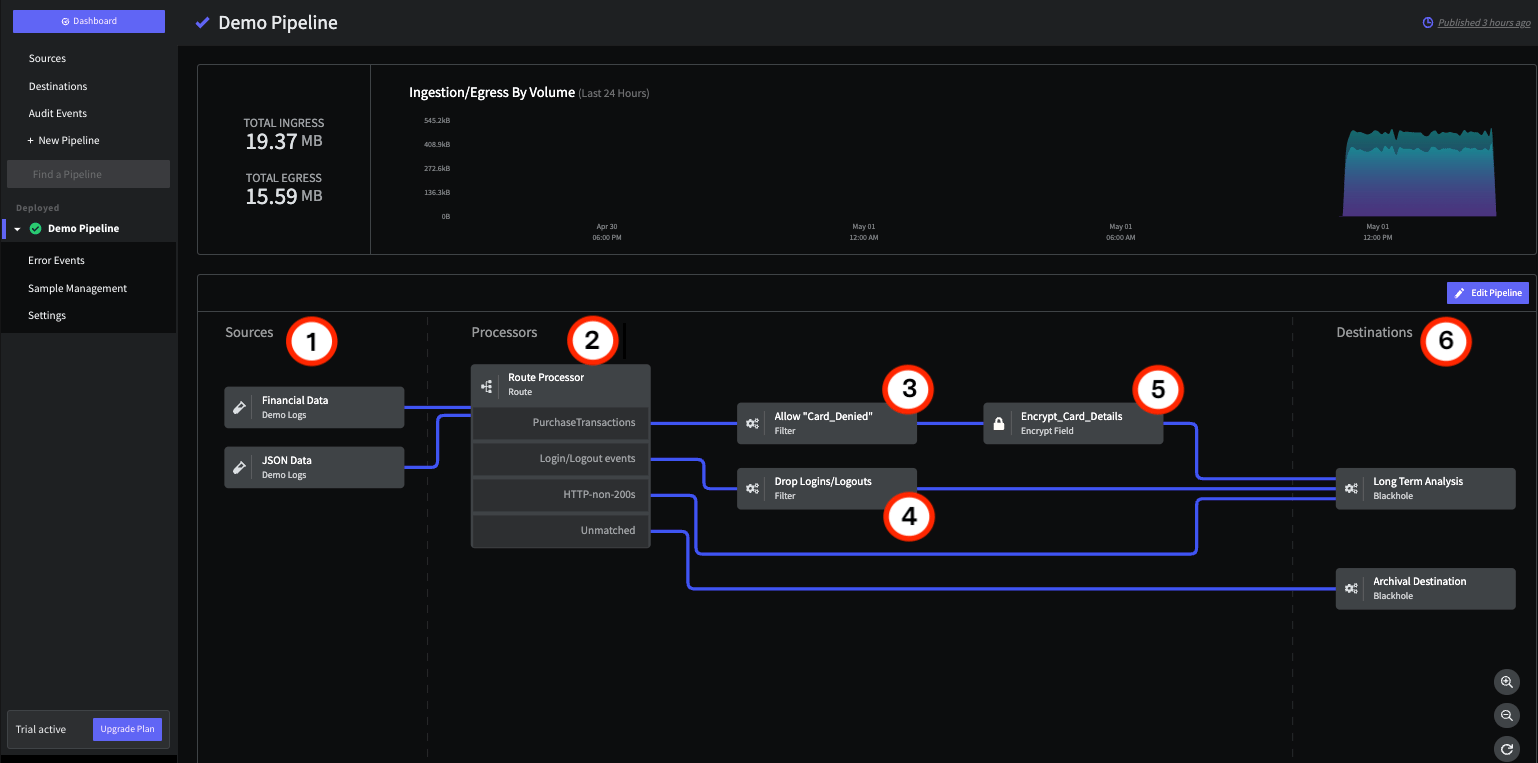
The Demo Pipeline in the Mezmo Web App
1 - Sources
The Demo Pipeline has two Sources, which are both versions of the Demo Logs. You can use this Source to build your Pipelines using sample data before connecting them to live Production Sources, to make sure that your Processors are producing the results you want.Financial Data and JSON
Use the Pipeline Tap feature to view the sample Financial and JSON data. You can also download the sample data to view the full JSON, and build your own sample data.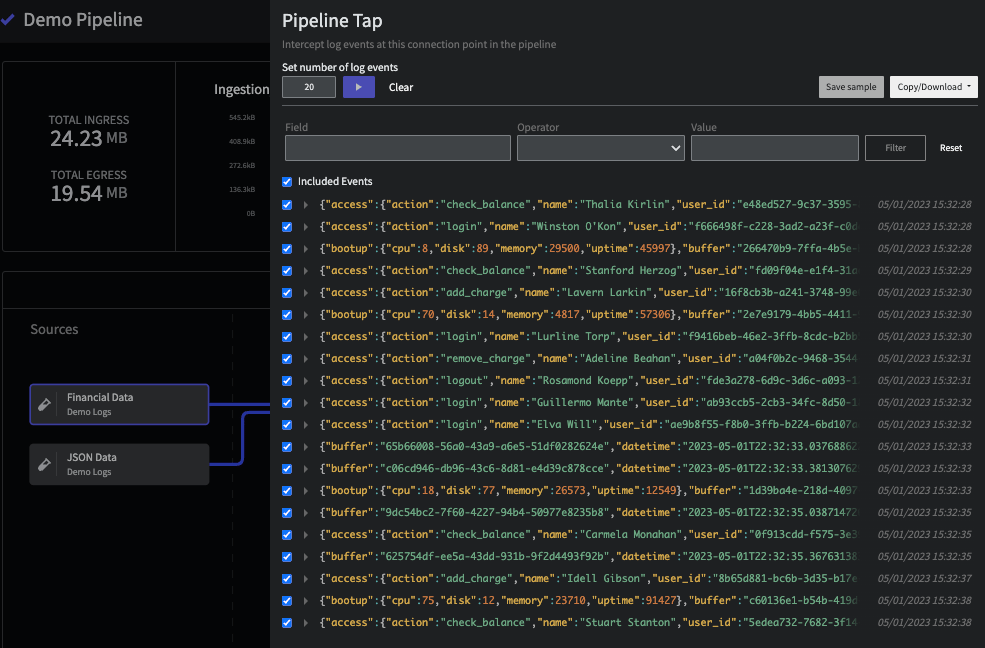
The Pipeline Tap view for the Financial Data Source
JSON Data
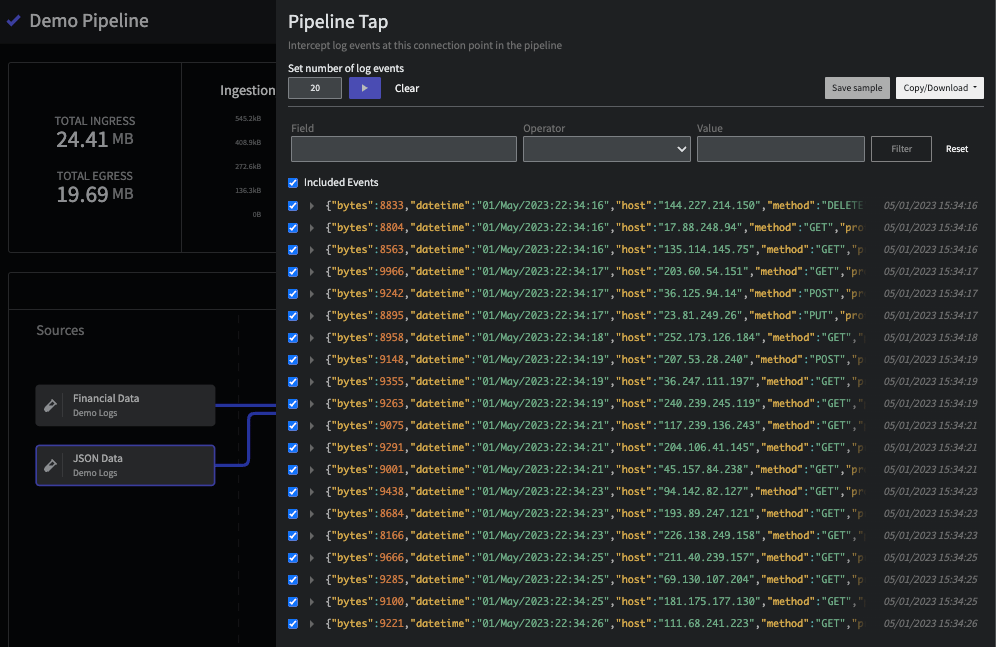
The Pipeline Tap view for the JSON Data Source
2 - Route Processor
The Route Processor uses conditional statements to send data to other processors or destinations. In this case, there are four statements:
You can test your Route Processor by using a PIpeline Tap to view the data flowing into it from the Sources, and inserting a tap for each route to make sure that data is passing through as expected.
3 and 4 - Filter Processors
The Route Processor sends matched data to two Filter Processors.5 - Encrypt Field Processor
For security compliance, credit card information should be encrypted before reaching the Long Term Analysis destination. With the Encrypt Field Processor, you can set encryption for a specific field, along with the encryption algorithm and key, and the Initialization Vector (IV) field.
You can use the Decrypt Field Processor with the same settings if you need to later decrypt the data.