

Creating Shared Sources
In order to complete this workshop, you will need a Mezmo account with Pipeline enabled. If you do not have an account, you can sign up for a free trial here. Please feel free to select either of the demo logs upon sign up, we will be connecting new data from a local OpenTelemetry Demo deployment. You can explore Mezmo Flow or continue on with the workshop.Step 1: Create an OpenTelemetry Log Shared Source
Once you have an account, go ahead and Create a new Shared Source. SelectOpenTelemetry Logs and call it what you will, be sure to save your created Access Key as you will need this later.

Mezmo Shared Source
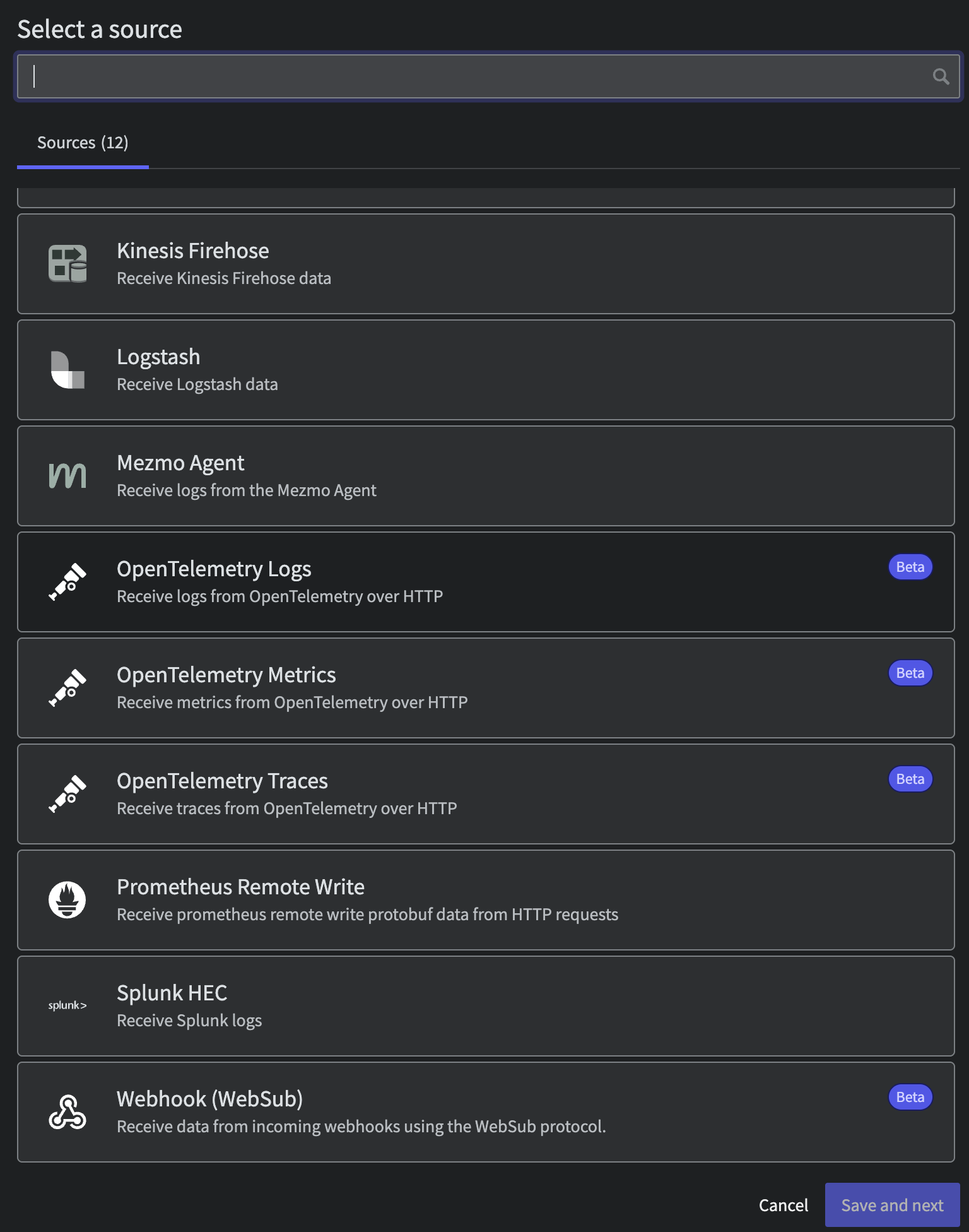
OpenTelemetry Log Source
Step 2: Create an OpenTelemetry Metric Shared Source
Repeat the prior step but this time selectOpenTelemetry Metrics. Once again be sure to write that Access Key down for later.
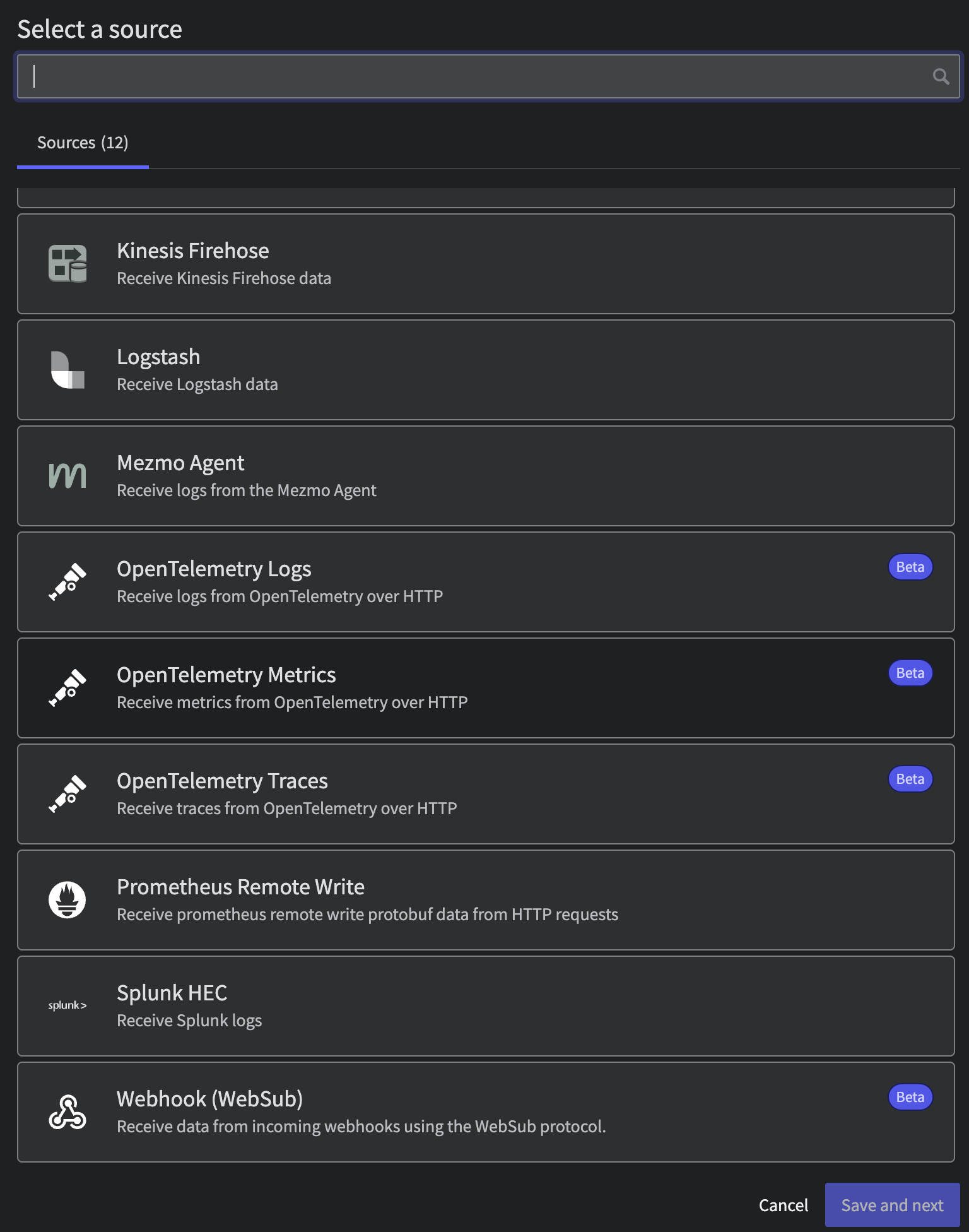
OpenTelemetry Metric Source
Step 3: Create an OpenTelemetry Trace Shared Source
Finally create aOpenTelemetry Metrics Shared Source and save that Access Key.
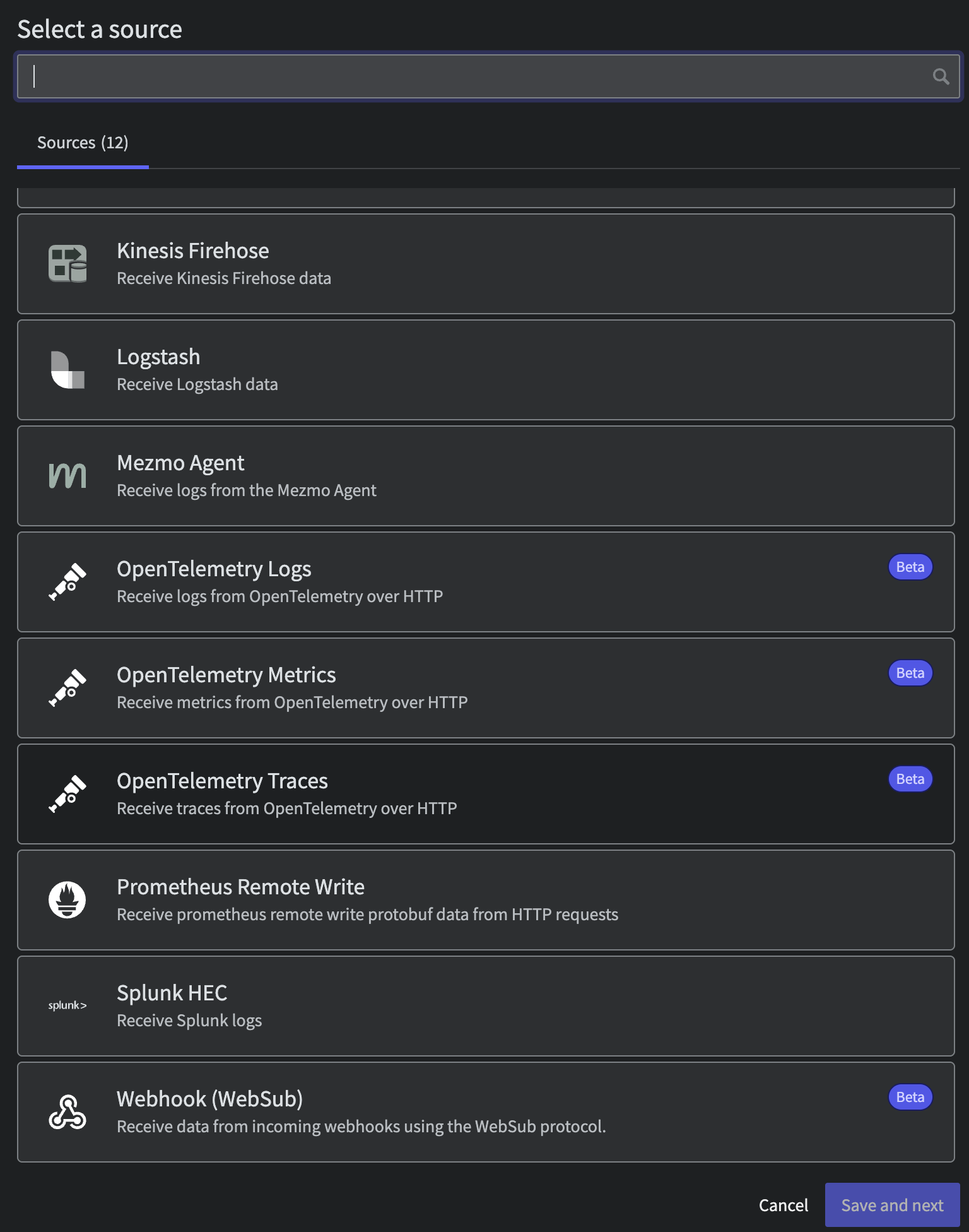
OpenTelemetry Trace Source