
Views are saved shortcuts to a specific set of filters and search queries for log lines. You can also Add Alerts to Views to notify you when specific conditions are met. Mezmo provides alert integrations for several messaging and notification platforms, including Slack, PagerDuty, and DataDog, and Templates for Views, Boards, and Screens for a variety of log data types.
The first time you visit Views, you'll see the default Everything view, which shows all log lines.
Create a View
For an example of how to create a new screen, you can create a view that shows 404 errors.
Select View in your app.
In the Search, enter
response:404 request:*. This will return any 404 response from your web app.You can check the query by selecting a log line and expanding the information.
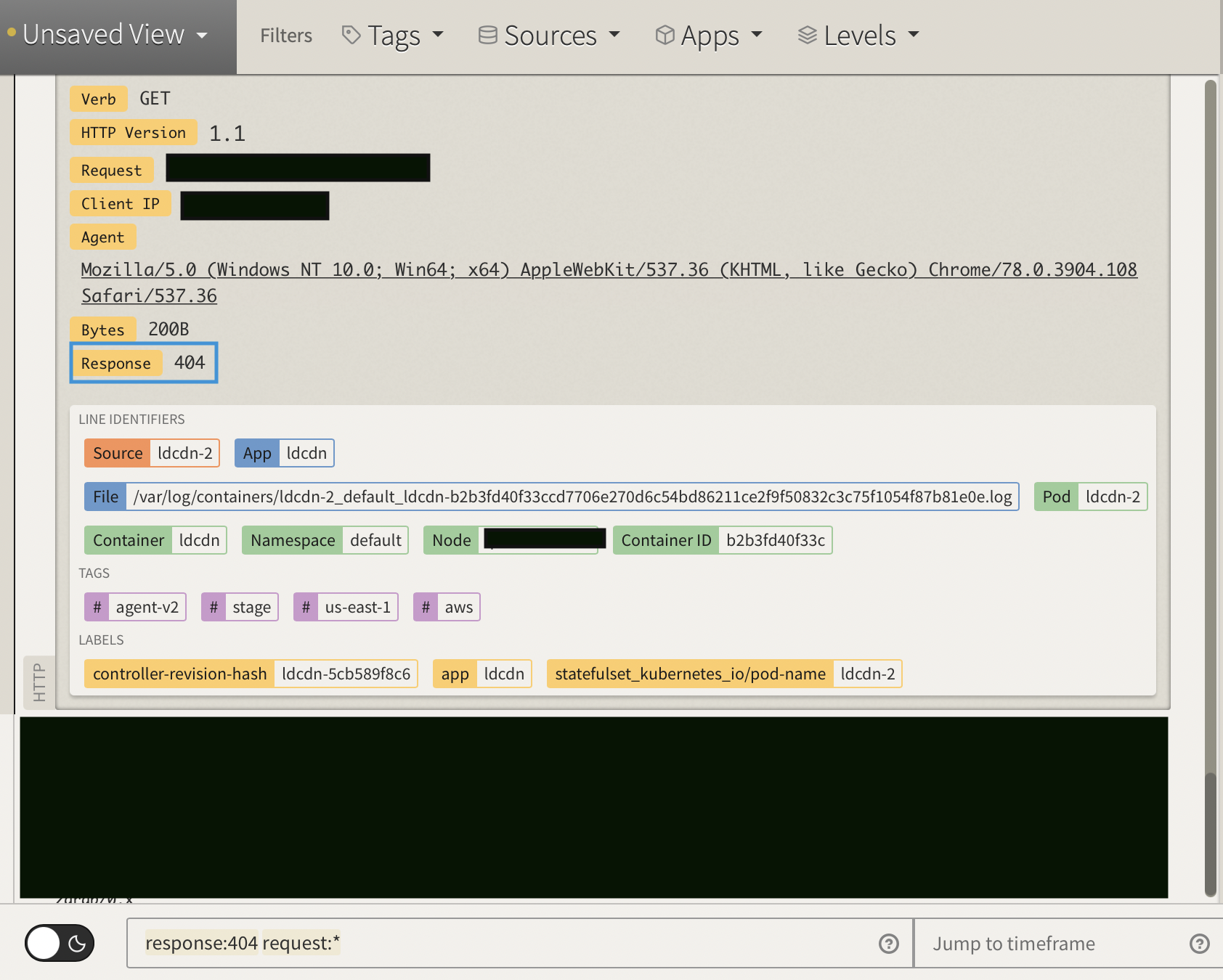
Notice that your view has changed from Everything to Unsaved View.
Click Unsaved View > Save as new view.
Name your view.
Select an existing category or add a new one. Categories let you organize Views. You can create new Views and add them to the same Category or create a new one.
Select an existing alert or add a new alert.
After saving, you'll see your View saved in the menu, in the category you created.