> ## Documentation Index
> Fetch the complete documentation index at: https://docs.mezmo.com/llms.txt
> Use this file to discover all available pages before exploring further.
# Set Exclusion Rules
> Control which logs are stored by building exclusion rules from hosts, apps, and queries, using one or all three together.
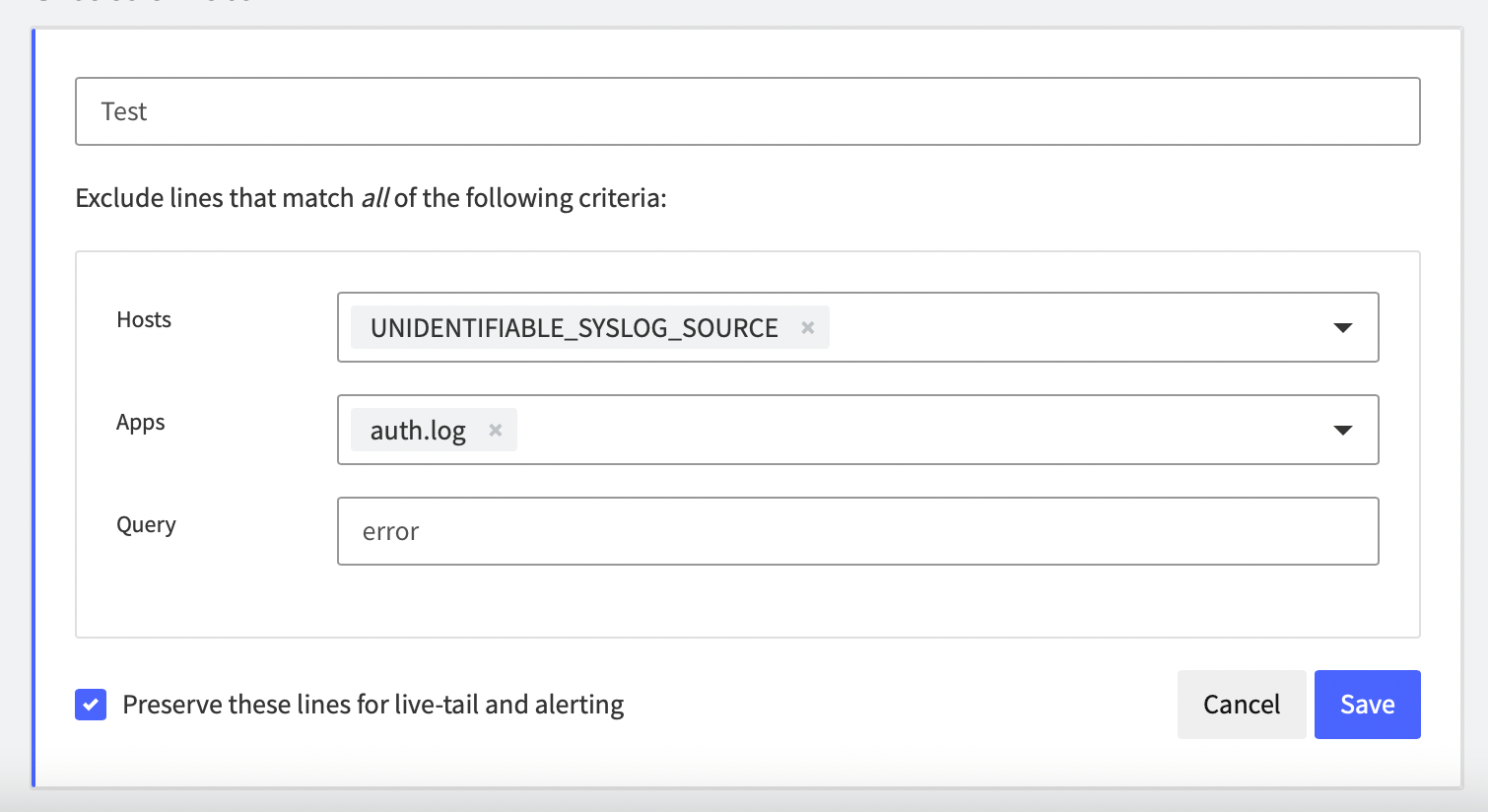
Exclusion rules let you control what logs are stored. You can access Exclusion Rules by going to **[Usage > Exclusion Rules](https://app.mezmo.com/manage/exclusion-rules).**
There are three parts to a rule.
* **Hosts** - Exclude [hosts](/docs/introducing-the-agent) configured on the app.
* **Apps** - Exclude [apps](/docs/search-and-filter).
* **Query** - Create a [log query](/docs/search-and-filter)
You can include one or all to exclude logs.